
No computer needed
A phone with USB-C, an OTG adapter and the iPod’s own cable. That’s all. You don’t need a computer or iTunes for music, a restore or Rockbox on an iPod mini or nano (1st generation). For the newer models, see what works.
Scrollwheel is a free Android app that manages classic iPods over a USB OTG cable. (Its code will be open-sourced at launch.) It adds and removes music, builds playlists, reads play counts back, puts cover art, lyrics and photos on the iPod, copies songs back to the phone, restores a broken iPod from Apple’s own firmware file, and installs Rockbox. Everything happens on the phone.
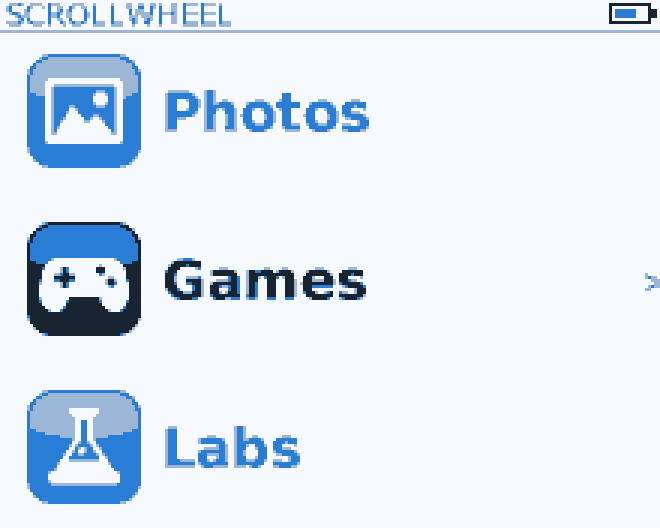
Scrollwheel OS is our own firmware for the iPod, written from scratch in Rust. It has a carousel home screen, your music library with cover art and lyrics, MP3, AAC, FLAC, Ogg and Opus playback, audiobooks, games and more. It runs alongside Apple’s firmware, never instead of it. It runs on the iPod mini 1G and nano 1G, and in our emulator for the photo and Classic.
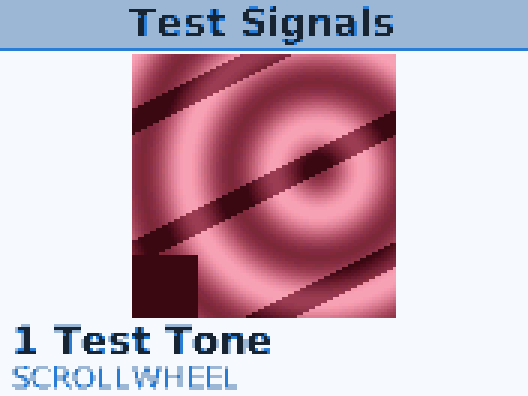
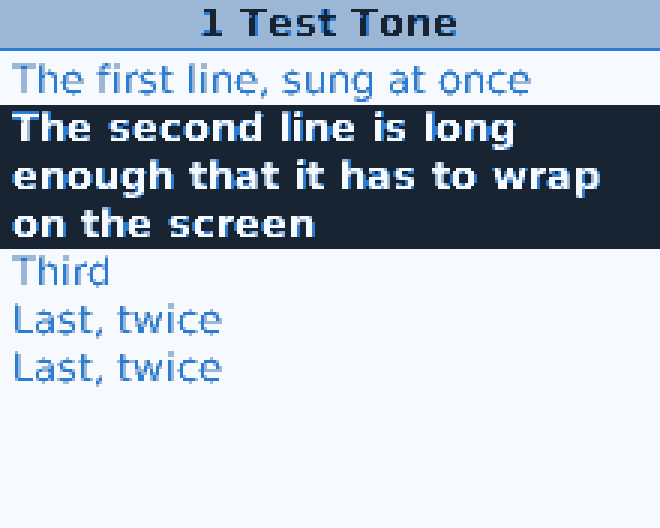
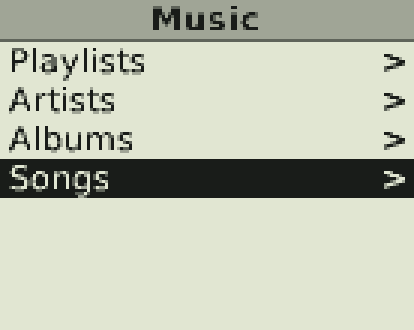

Screens from our emulator. See them all.
No computer needed
A phone with USB-C, an OTG adapter and the iPod’s own cable. That’s all. You don’t need a computer or iTunes for music, a restore or Rockbox on an iPod mini or nano (1st generation). For the newer models, see what works.
Apple's firmware and Rockbox are always one key away
Scrollwheel OS is an extra, not a replacement. Apple’s firmware stays on the iPod, and so does Rockbox if you have it. Hold a key at power-on to choose one. In Scrollwheel OS, hold Menu for two seconds to leave.
Your music is never at risk
Scrollwheel OS never changes your music. It only rewrites its own small settings and game-save files. Before the app changes the firmware area or the music database, it saves a backup to your phone. Anything that erases needs a typed confirmation word.
iPod, iPod mini, iPod nano, iPod photo and iPod classic are trademarks of Apple Inc. Rockbox is a project of the Rockbox community. Scrollwheel is an independent project, not affiliated with or endorsed by either.