Skip to content

Screenshots

These are real screens from Scrollwheel OS, captured in our iPod emulator and blown up three times with every pixel kept sharp. The songs, covers and photos are test material from the emulator’s sample library.

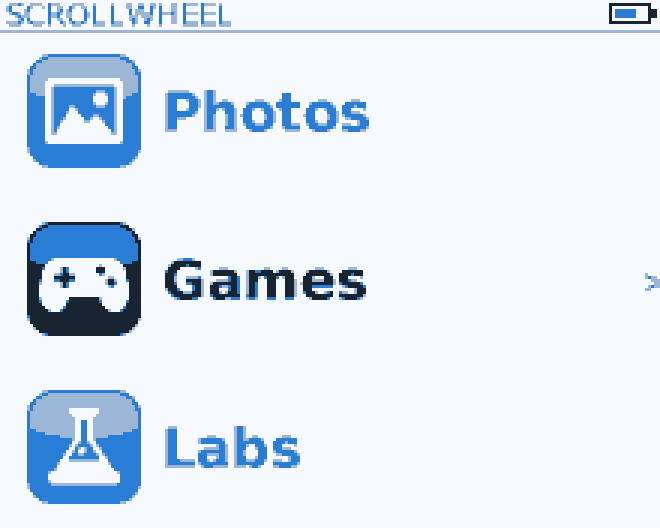
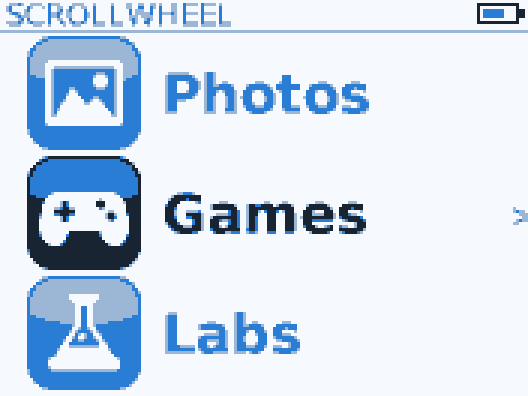
Home carousel with Photos, Games and Labs
The home screen is a carousel. Turn the wheel to move through Music, Photos, Games, Labs, Extras and Settings.
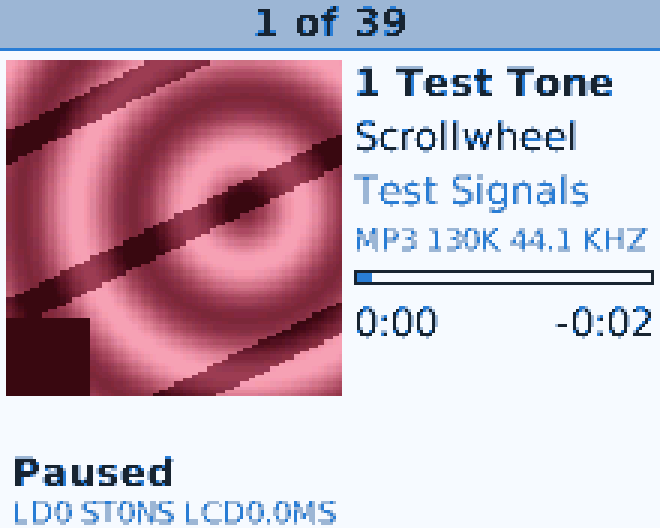
Now Playing with the album cover, paused
Now Playing with the album’s cover, the song’s format and its position.
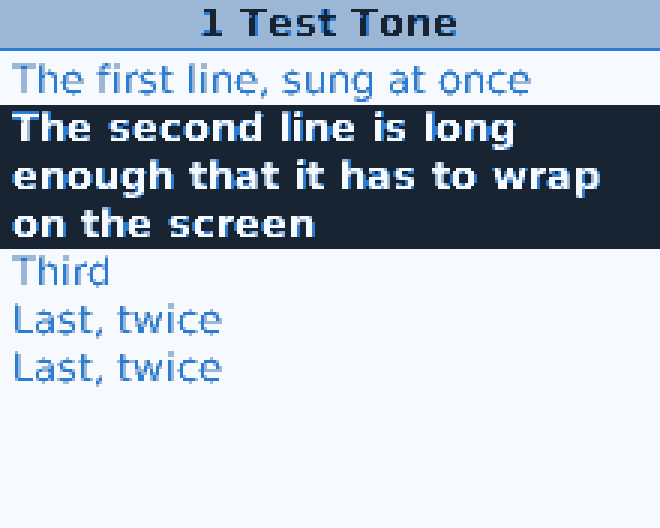
Synced lyrics with the current line highlighted
Synced lyrics follow the song, and long lines wrap.
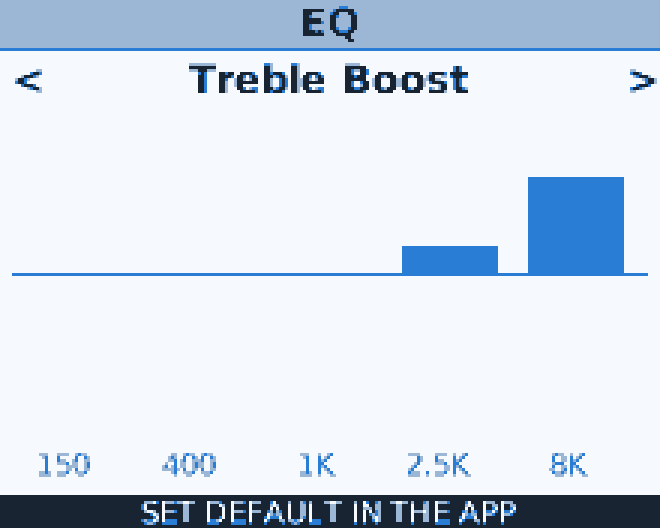
EQ screen showing the Treble Boost preset
EQ presets and a 10-band custom EQ.
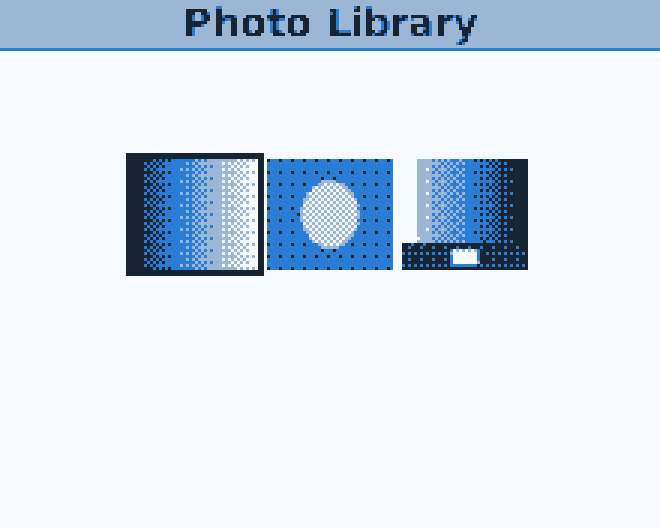
Photo Library with three thumbnails
The photos you put on with the app.
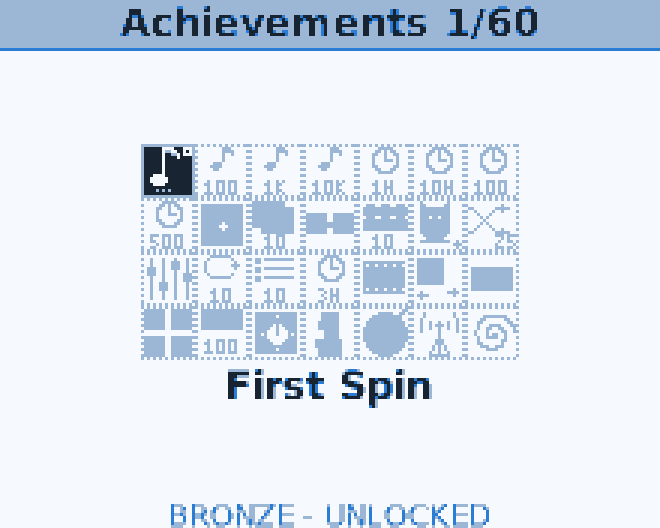
Achievements grid with the First Spin badge
Achievements for listening milestones.
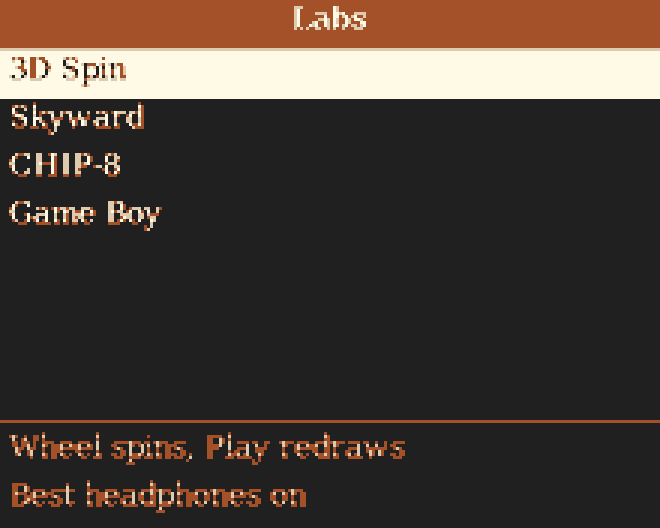
Labs menu drawn in a dark orange theme
Themes you design in the app change the colours and fonts.
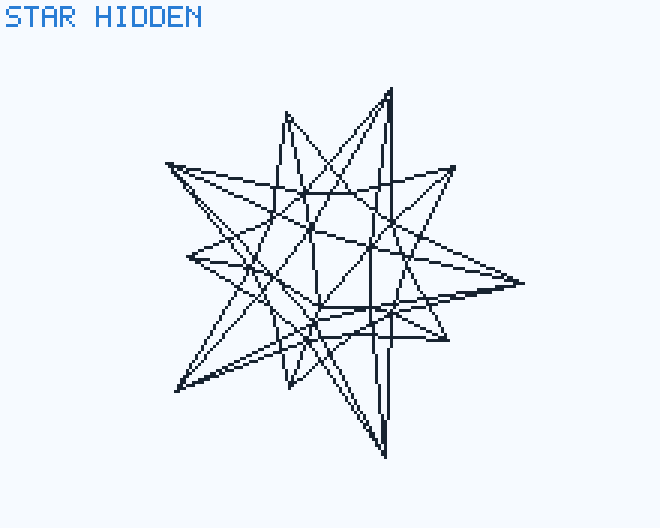
A 3D star wireframe from Labs
Labs holds the experiments, like this real-time 3D demo.
Home carousel on the nano
The same carousel, fitted to the nano’s smaller screen.
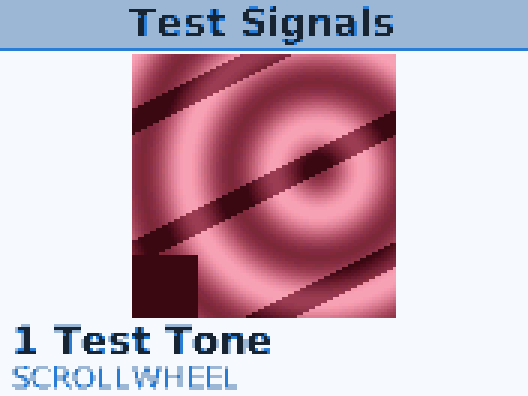
Album cover view for Test Signals
Cover art shown big for the playing album.
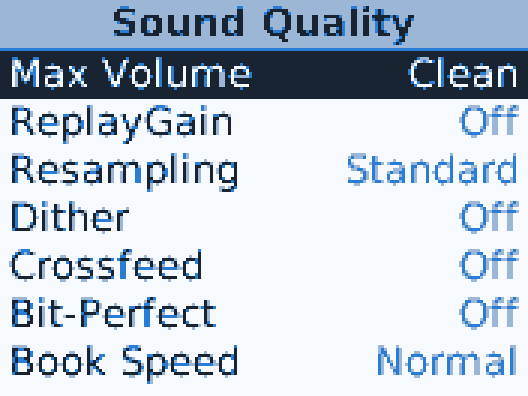
Sound Quality settings list
Sound Quality: ReplayGain, crossfeed, volume curve and more.
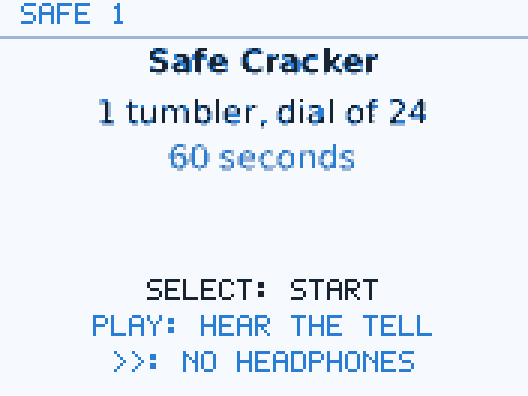
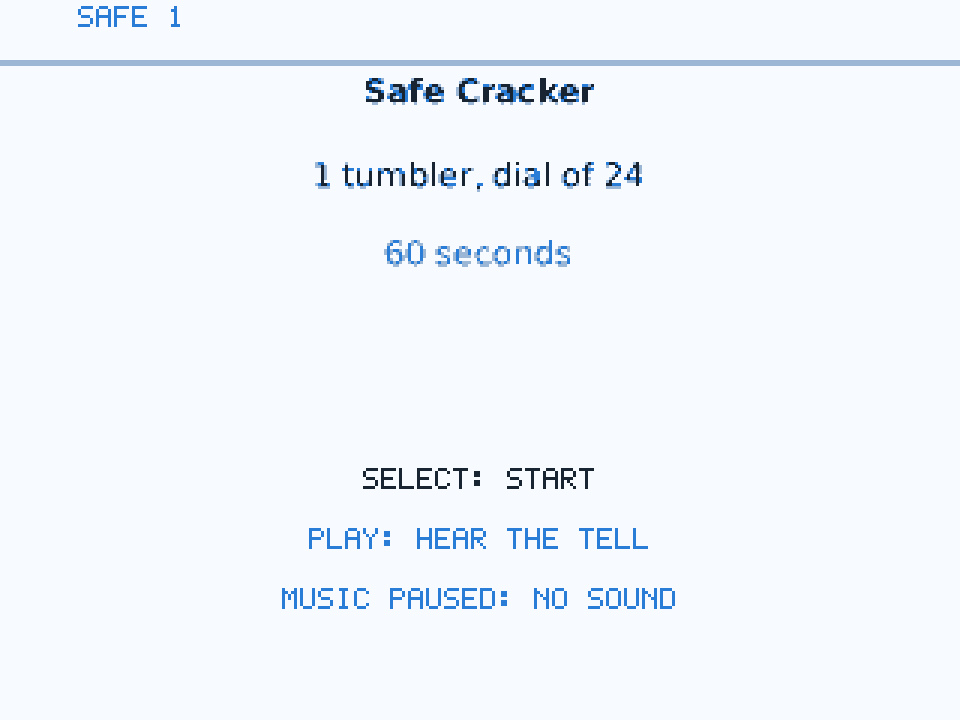
Safe Cracker game start screen
Safe Cracker, one of the built-in games played with the click wheel.
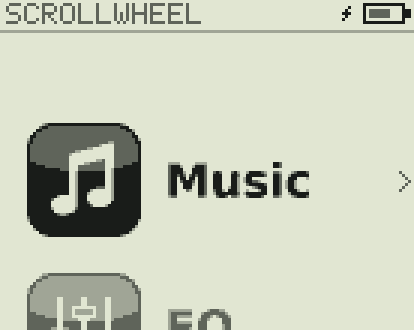
Home carousel on the mini with Music selected
Home on the mini’s four-shade screen.
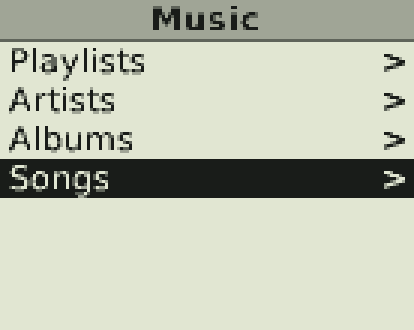
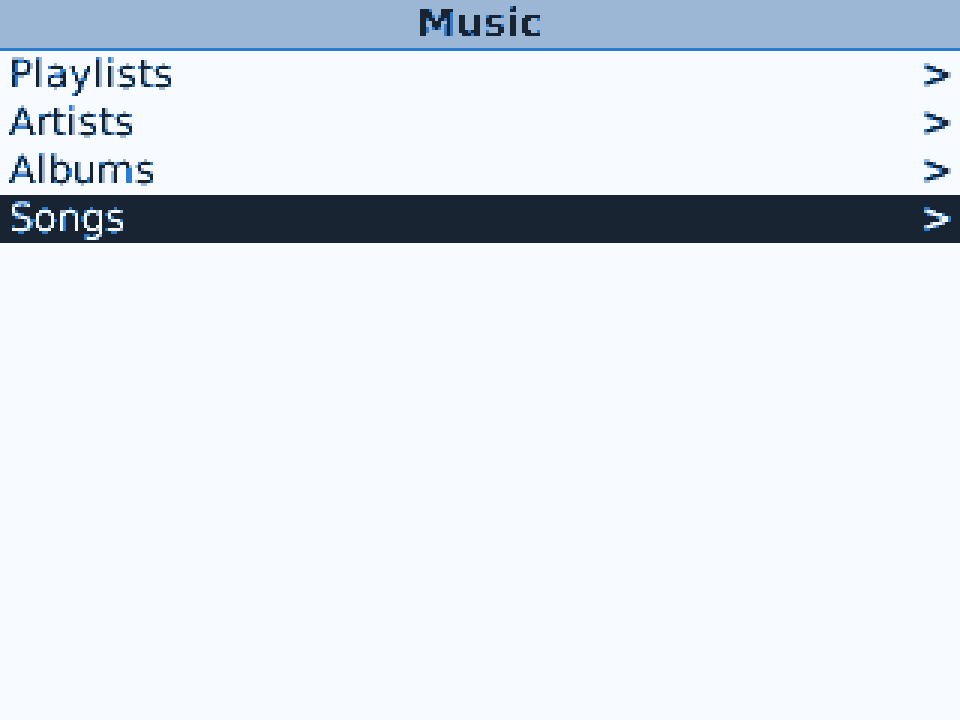
Music menu: Playlists, Artists, Albums, Songs
The music library, browsed the way you’d expect.
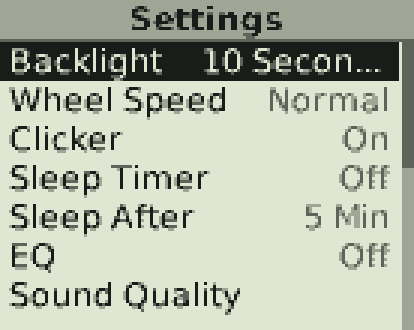
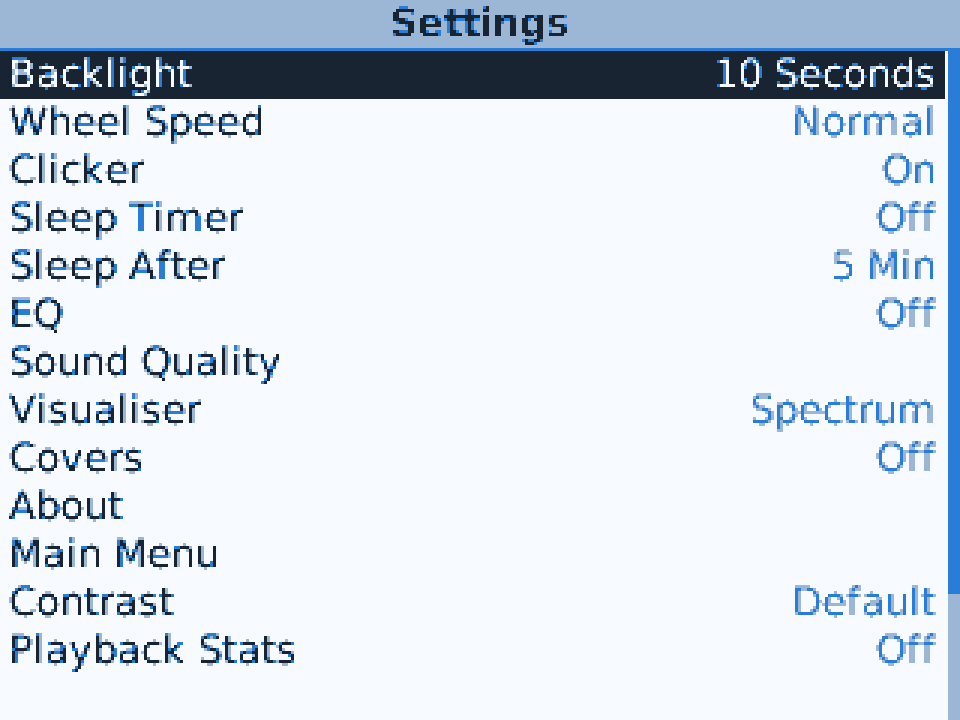
Settings list with backlight, wheel speed and clicker
Settings: backlight, wheel speed, clicker, sleep and sound.
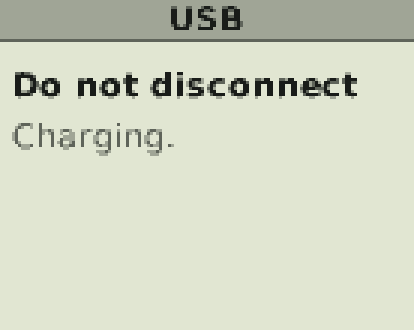
USB screen reading Do not disconnect, Charging
USB disk mode inside Scrollwheel OS. Your phone or computer sees the iPod as a drive.
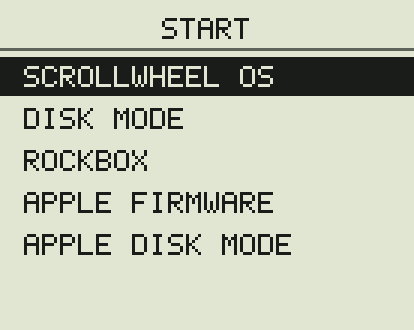
Start menu listing Scrollwheel OS, Disk Mode, Rockbox, Apple Firmware, Apple Disk Mode
The Start menu: Apple’s firmware and Rockbox are always one choice away.
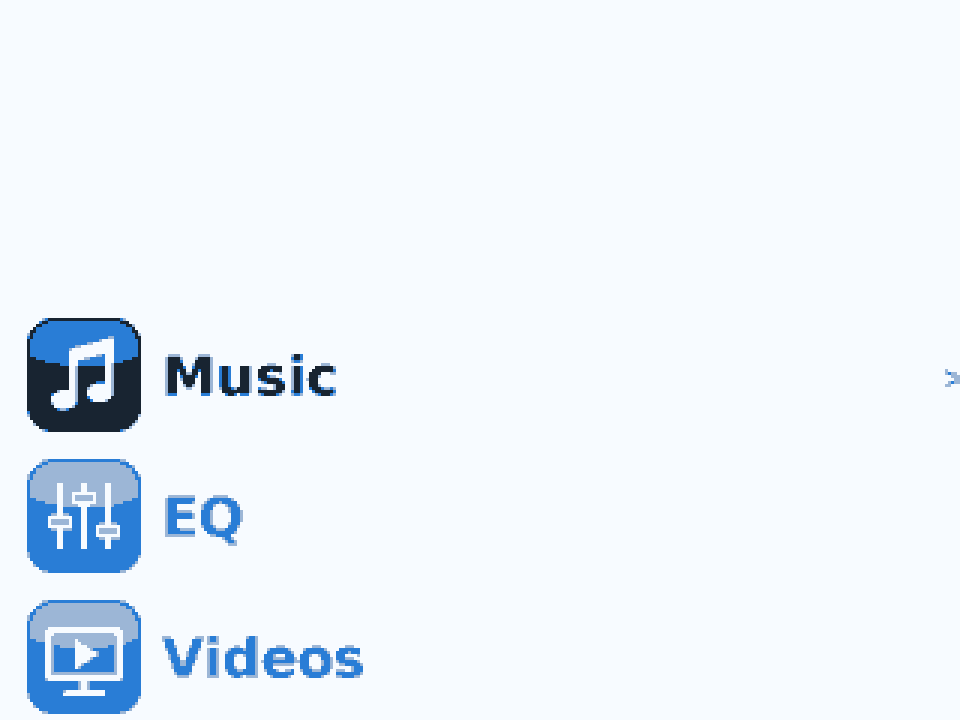
Home carousel at the Classic's screen size
The home screen at the Classic’s full resolution.
Music menu beside the Songs list
The Classic’s wider screen shows the menu and the list side by side.
Settings list on the Classic
Settings at full size.
Safe Cracker on the Classic
The games scale up to the bigger screen.
App screenshot coming soon: the iPod’s library
App screenshot coming soon: Add Music
App screenshot coming soon: Rockbox
App screenshot coming soon: Scrollwheel OS install